
How to Set Up an SPF Record: Complete Guide with Examples
Build a single SPF TXT policy from your actual sending services and verify syntax and lookup limits before enforcing it.
The named scenario below is a worked example for learning, not a verified incident report. Provider settings and outcomes vary.
SPF Record Setup Workflow
List all email sources
Create TXT record syntax
Add TXT to domain
Verify with dig/nslookup
Check email headers
Authentication working
🎯 Illustrative example: Karan Sets Up SPF from Scratch
Karan's new startup uses Google Workspace for email, SendGrid for transactional, and Mailchimp for marketing:
Lists all email senders
Google Workspace (office email), SendGrid (password resets, receipts), Mailchimp (newsletters) — 3 services total.
Builds SPF record
v=spf1 include:_spf.google.com include:sendgrid.net include:servers.mcsv.net ~all
Counts DNS lookups
Google = 4, SendGrid = 1, Mailchimp = 3. Total = 8 lookups. Under the 10 limit ✓
Publishes TXT record
Adds the SPF record as a TXT record at karan.com in his DNS panel.
Tests with dig command
dig karan.com TXT +short — confirms the SPF record is published and correct.
Sends test emails
Sends from all 3 services. Checks email headers — all show 'spf=pass'. Authentication working!
All 3 email services pass SPF checks. 8/10 lookups used — room for 1 more service.
Common mistake: creating 2 SPF TXT records instead of 1 — only 1 is allowed per domain.
What is SPF?
SPF (Sender Policy Framework) is an email authentication method that allows domain owners to specify which mail servers are permitted to send email on their behalf. It works by publishing a TXT record in DNS that lists authorized IP addresses and hostnames.
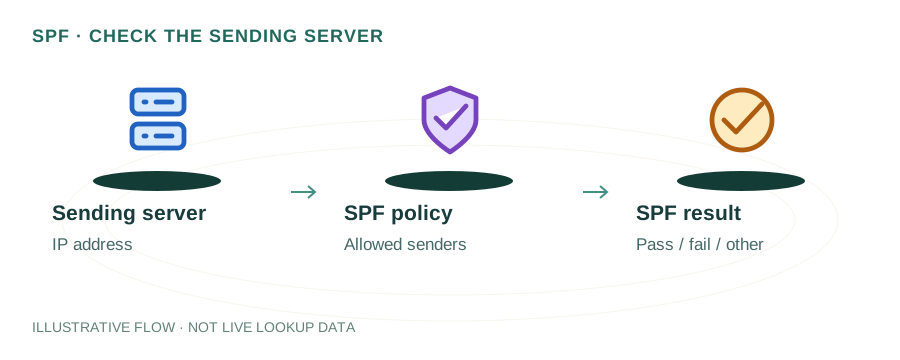
When a receiving mail server gets an email, it checks the sender's domain SPF record against the sending server's IP. If the IP isn't authorized, the email may be marked as spam or rejected — depending on the SPF policy.
SPF Record Syntax Explained
v=spf1 ip4:192.0.2.0/24 include:_spf.google.com include:sendgrid.net -all
v=spf1ip4:ip6:include:amx-all~all?allSPF Records for Popular Providers
Google Workspace
v=spf1 include:_spf.google.com ~all
Microsoft 365
v=spf1 include:spf.protection.outlook.com -all
SendGrid
v=spf1 include:sendgrid.net ~all
Multiple Providers (Combined)
v=spf1 include:_spf.google.com include:sendgrid.net ip4:203.0.113.5 -all
Common SPF Mistakes
Multiple SPF records — Only one SPF TXT record allowed per domain. Multiple records cause PermError.
Exceeding 10 DNS lookups — SPF has a 10-lookup limit. Each include:, a, mx, and redirect counts. See our SPF lookup limit guide.
Using +all — This authorizes everyone to send as your domain. Always use -all or ~all.
Forgetting subdomains — SPF records are per-domain. If you send email from mail.example.com, it needs its own SPF record.
Testing Your SPF Record
Using dig
dig TXT yourdomain.com +short | grep spf
Using nslookup
nslookup -type=TXT yourdomain.com
mydnsreport.com
Use our DNS Lookup tool to instantly check your domain's SPF record and verify it's correctly formatted.
Frequently Asked Questions
What is an SPF record?
A DNS TXT record that lists which mail servers are authorized to send email for your domain, helping prevent email spoofing.
Can I have multiple SPF records?
No. Only one SPF record per domain is allowed. Merge all mechanisms into a single record.
Should I use -all or ~all?
Use ~all (soft fail) while testing, then switch to -all (hard fail) once you've verified all legitimate senders are included.
Related Articles & Tools
SPF Too Many Lookups
Fix the 10-lookup limit error
DKIM Setup Guide
Set up DKIM email signing
Email Authentication Guide
Complete SPF, DKIM, DMARC guide
DNS Lookup Tool
Check your SPF and TXT records