
What is DNS? Complete Guide to Domain Name System
Understand how a DNS resolver finds an address, how authoritative nameservers answer queries, and why cached answers can differ.
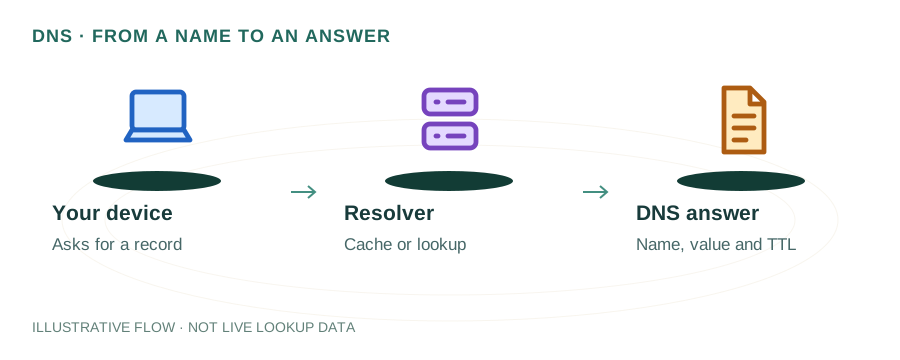
Introduction to DNS
The Domain Name System (DNS) is the internet's phonebook. It translates human-readable domain names like "example.com" into machine-readable IP addresses like "93.184.216.34". Without DNS, you would need to memorize numerical IP addresses to visit websites.
DNS was created in 1983 by Paul Mockapetris to replace the cumbersome hosts.txt file system. Today, it handles billions of queries daily and is essential infrastructure for email, web browsing, and virtually all internet services.
How DNS Resolution Works
When you type a URL in your browser, a DNS lookup happens behind the scenes:
- 1.Browser Cache: Your browser first checks if it has recently looked up this domain.
- 2.OS Cache: If not found, it checks your operating system's DNS cache.
- 3.Recursive Resolver: Your ISP's DNS server (or a public resolver like Google DNS 8.8.8.8) handles the query.
- 4.Root Nameservers: The resolver queries one of 13 root nameserver clusters for the TLD (.com, .org, etc.).
- 5.TLD Nameservers: These direct to the authoritative nameserver for your specific domain.
- 6.Authoritative Nameserver: Returns the actual IP address for the domain.
Common DNS Record Types
A Record (Address)
Maps a domain to an IPv4 address. Example: example.com → 93.184.216.34
AAAA Record (IPv6 Address)
Maps a domain to an IPv6 address. Example: example.com → 2606:2800:220:1:248:1893:25c8:1946
MX Record (Mail Exchange)
Directs email to mail servers with priority values. Lower priority = higher preference.
CNAME Record (Canonical Name)
Creates an alias pointing to another domain. Example: www.example.com → example.com
TXT Record (Text)
Stores text data for verification, SPF, DKIM, and other purposes.
NS Record (Nameserver)
Specifies authoritative nameservers for a domain.
DNS Propagation
When you change DNS records, the changes don't take effect instantly worldwide. DNS propagation is the time it takes for DNS changes to spread across all DNS servers globally.
- • Cache expiry depends on the previous TTL and the records involved
- • TTL (Time To Live) values affect propagation speed
- • Lower TTL before changes can speed up propagation
- • Different ISPs update their DNS caches at different intervals